E-learning is no longer just limited to slideshows or long PDFs. These days, learners want videos that clearly explain concepts and keep them engaged. However, making those videos, especially in large numbers, takes time, effort, and money.
That’s where a Text to Video API comes in. With a bit of code, you can turn your written lessons into clean, ready-to-use videos. Whether you are working on an online course, a school app, or a corporate learning system, this tool helps you roll out video content quickly - without needing a full video team.
In this blog, we will look at how to use a Text to Video API for e-learning, the benefits it offers, and how you can start using one through API Market. Keep reading!
What is a Text to Video API?
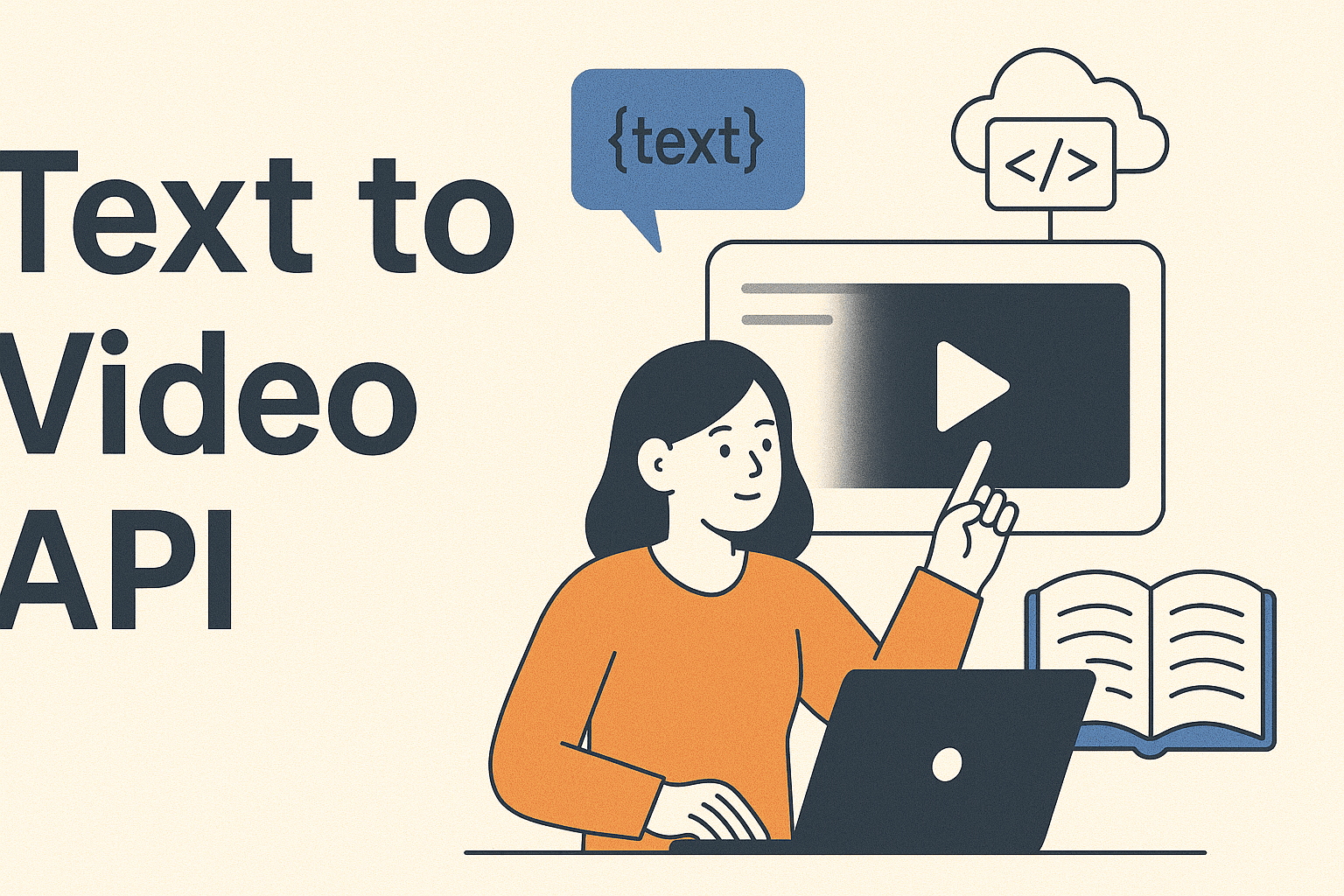
A Text to Video API takes your written material, like a short script or paragraph, and turns it into a video. The video can include voiceovers, visuals, subtitles, and even AI-generated avatars, depending on the chosen API.
Instead of spending hours designing slides or editing videos, the API takes care of the hard work. It’s great for:
- Course Modules
- Tutorials
- Instructional Content
- Daily explainer Content
- Knowledge Updates
At its core, a Video API like this makes text easier to follow and more interesting to watch.
Why Use this API for E-Learning?
E-learning content needs to be quick to produce, easy to update, and flexible for different subjects. Here’s why this API can help.
1] Speed
It’s quick. A lesson that might take a day to design and record can now be done in just a few minutes.
2] Cost-Effective
You don’t need to spend on video tools, voice artists, or editors. The API enables you to create multiple videos directly from your existing written content.
3] Scalability
Whether you need 10 videos or 10,000, you can keep the process going smoothly using our Text to Video API - with no extra hands needed.
4] Consistency
Every video keeps the same look, tone, and format, making your course feel organized and steady.
Where to Find the Right API for Turning Text to Videos?
A great place to begin and end your search is API Market – a platform built to help developers and businesses connect with trusted APIs. It’s much simpler to browse than most directories and offers a secure environment for teams that need to move fast and grow efficiently.
Three of the top picks here are the Seedance Text to Video Pro, Seedance Text to Video, Google Veo3. It’s a solid choice for educators, course creators, and LMS platforms who want to save time by automating how their videos are made.
Features of the WAN Text to Video API on API Market
This API takes your written content and turns it into a ready-to-use video. Here’s why it’s a great match for online learning:
- Natural-sounding Voiceovers
- Pre-built Templates and Layouts
- Automatic Subtitle Integration
- Custom Branding Support
- Responsive Output that Works Well on both Desktop and Mobile
You can purchase API straight from the API Market, with clear pricing. No need to sign up for long-term deals - you only pay for what you use.
Step-by-Step - How to Use Our API for E-Learning Videos
Here’s a simple breakdown to help you get started.
Step 1 - Sign up on the API Market
Head to api.market and make an account. You will get access to hundreds of helpful APIs, including the Seedance Text to Video Pro, Seedance Text to Video, Google Veo3.
Step 2 - Explore Seedance and Google Veo3 Text to Video API
Use the direct link to open the API’s page. You can go through its documentation, learn what it offers, and check out the pricing.
Step 3 - Get Your API Key
After you subscribe, you will get an API key. This allows your system to connect and interact with the API securely.
Step 4 - Send Text Content
Write your lesson content. The API accepts both plain text and structured formats like JSON. For Google Veo3, you can even write prompts for sound generation along with video generation. You can use whichever suits your setup for organizing things like narration, headings, or scenes.
Step 5 - Customize the Output
You can specify voice type, language, resolution, and visual style. This ensures your video matches your brand or learning tone.
Step 6 - Receive and Download the Video
Within a short time, you will receive a downloadable video link. You can then embed the video on your app, website, or LMS.
Best Practices for Using this API in Education
To get the most out of your investment in a Video API, here are a few practical tips.
- Keep Scripts Short and Clear: Short scripts help the API divide your content into scenes more easily and improve the video flow.
- Use Visuals and Examples in Your Text: Mention diagrams, graphs, or images in your script. This makes your video more complete, even if you are not adding visuals manually.
- Preview and Edit the Generated Videos: Always review the video before sharing it. This way, you can fix any errors or awkward cuts.
- Segment Longer Lessons: Break big lessons into smaller parts, ideally 2–3 minutes each. It’s easier for viewers to stay focused this way.
- Maintain a Consistent Tone: Stick to the same voice style, format, and layout throughout your course to keep everything uniform.
Who Can Use This API?
- EdTech Startups: Produce hundreds of lesson videos without needing a full media team.
- Corporate Trainers: Quickly send out training content to remote teams.
- YouTubers and Content Creators: Turn your scripts into voice-based videos fast.
- Teachers and Coaches: Make video versions of your study notes for online learners.
- Institutes and Schools: Easily update your curriculum videos every year without spending too much.
In fact, anyone can use our API to turn written content into engaging videos - no video-making skills needed.
Why API Market is the Best Place to Purchase API
If you are looking to purchase API solutions that are ready to use, API Market is the most reliable platform out there. It helps businesses connect with ready-made APIs, cutting down months of development work.
Here’s what you get when you use API Market:
- Verified and Secure APIs
- Clear and Upfront Pricing
- No Setup Headaches
- Quick Integration
- Options that Work for both Startups and Large Enterprises
One of the top tools on the API Market is the WAN API for text to video transformation. It is especially popular among education-focused brands that need to create videos automatically.
Takeaway
In the modern fast-moving digital learning space, video content has become a must. But creating videos shouldn’t slow you down or stretch your budget. A smart Text to Video API - like the one you’ll find on API Market - lets e-learning providers scale content creation with ease. It helps save time, cuts down on manual work, and improves the learning experience.
Whether you are a teacher, a startup founder, or a course creator, this API is a practical and effective tool. And with API Market, you can confidently find, try, and buy APIs that work for you.
Get started today and turn your text into engaging videos in just a few clicks. For more information or queries regarding a specific API, feel free to contact us directly. We are always happy to help you out!