Marketing has become more fast-paced and design-intensive than ever before. Brands today need high-quality visuals, engaging videos, and platform-ready content - and they need it fast. Whether you are a solo entrepreneur or part of a full-fledged marketing team, the goal stays the same. It is to create eye-catching campaigns that are quick, affordable, and consistent.
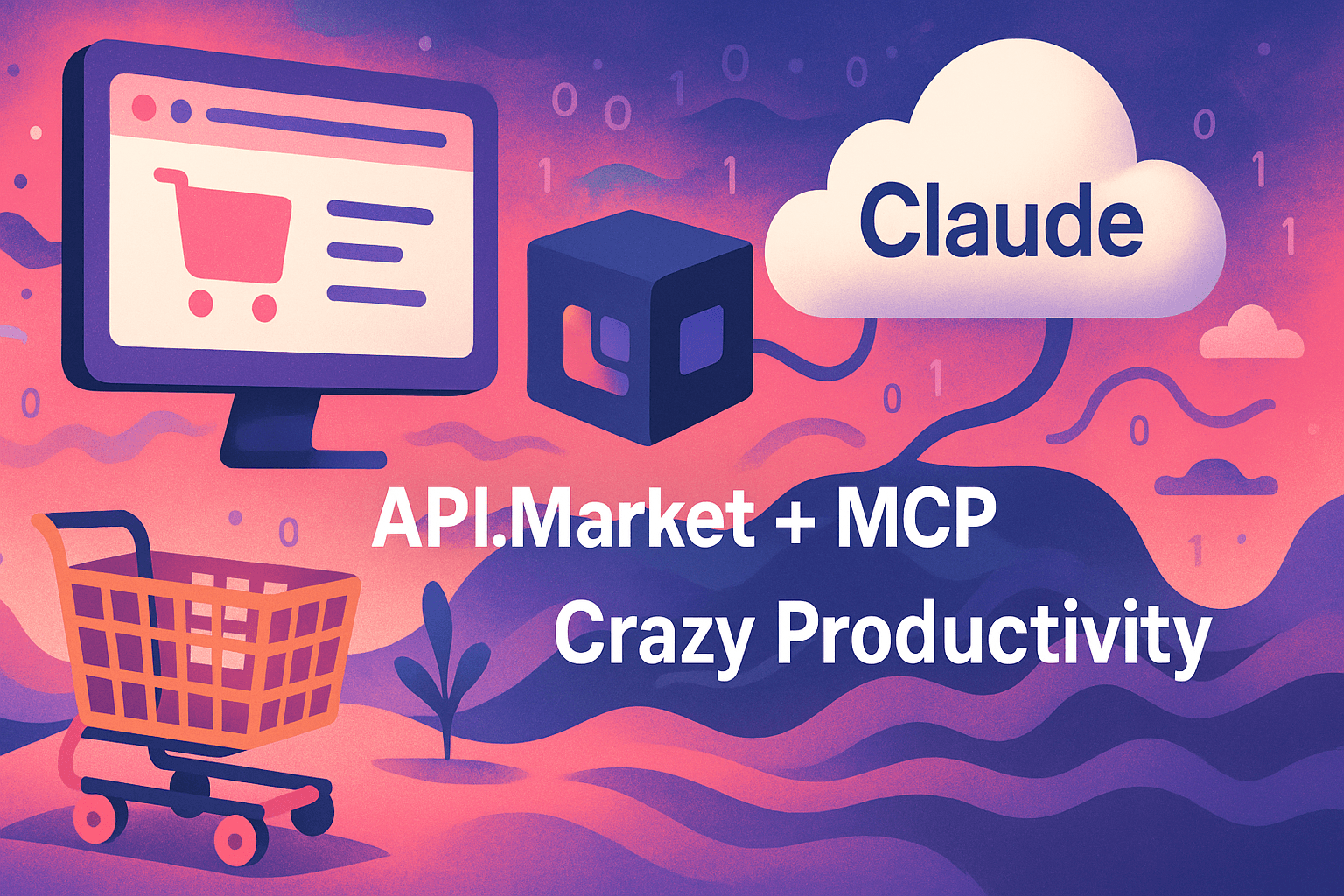
Now, with Claude + MCP integration via API Market, marketers can do just that. You get a powerful design studio right inside your chat window. Think about being able to generate logos, edit images, animate product demos, and add voiceovers, just by sending prompts to Claude.
In this guide, we will walk you through how to buy API, connect it to Claude through API Market, and create a complete campaign setup. We will explain how to make a setup that covers content creation, design, animation, and audio - all in one place. Keep reading!
What is Claude + MCP and Why Does it Matter
Claude is a popular conversational AI. When connected with MCP, it links up with a variety of APIs, each built for specific creative tasks. These APIs come from API Market - a trusted provider of high-quality APIs for design, editing, animation, and more.
The best part? You can buy API access only for the tools you actually need. Instead of paying for large software bundles, Claude lets you:
- Generate logos and visuals
- Edit images and change backgrounds
- Animate products and create videos
- Add voiceovers and background music
This gives you real-time access to advanced AI tools and turns Claude into a full-featured creative platform.
Design, Edit and Animate - All in One Platform
API Market provides a wide range of APIs across various categories. Once you go through a quick setup, you can access them all directly in Claude.
1] Design with Text to Image APIs
Start your project with standout visuals using the following:
- Ideogram v3 Pro: Great for branding graphics
- Google Imagen-4: Perfect for product-style photos
- Seedream 3.0 Pro: Ideal for campaign-level images
- Flux 8B: Good for quick idea testing
Each API runs on a different AI model, made for different styles. Just buy API credits, connect to Claude, and begin creating visuals with text prompts.
2] Edit Images Easily
Need to tweak or customize visuals?
- Flux Kontext Pro lets you change image elements like colors, objects, or themes
- AI Image Combiner merges visuals into new ads or content pieces
This makes it simple to create multiple versions for A/B testing, targeted campaigns, or different platforms.
3] Animate and Add Motion
Video and animation boost engagement. Claude gives you access to animation tools like:
- SeedDance Pro: Turns product visuals into animated videos
- Google Veo 3: Makes marketing videos from prompts
- ToonCrafter AI: Creates animated characters and explainer content
Just purchase API access, type in a description, and Claude uses the correct tool to create your video.
4] Add Voice and Sound
Want to include music or voice in your content?
- MMAudio V2 generates sound effects or background tracks
- Kokoro v1.0 converts your script into natural-sounding voiceovers
These tools are perfect for presentations, reels, or ad campaigns. No studio needed - just describe what you want, and Claude takes care of the rest.
Real Campaign Scenarios with Claude + MCP
1] E-commerce Launch
Launching a new product? You’ll need content for emails, your website, and social media.
- Photoshoot AI gives you studio-style product shots
- Ideogram v3 Pro adds the right campaign message to your visuals
- SeedDance Pro brings your product to life with movement
- MMAudio V2 adds background audio to your videos
Each of these tools usually needs a separate platform. But instead of signing up for different subscriptions, you can just buy API access from API Market and pick exactly what you need.
2] App Promotion
Working on a new fitness app? Claude helps you get everything ready fast.
- Instant Character AI creates avatars and your app’s mascot
- Google Imagen-4 gives you sharp visuals to use in-app
- ToonCrafter AI animates workouts or user stories
- Kokoro v1.0 writes voiceover scripts for your app demo
After buying API credits, these tools all work together inside Claude, making it possible to roll out content in just a few hours.
3] Restaurant Rebranding
Giving a restaurant chain a new look? Here's how you can do it.
- Ideogram v3 Pro helps with fresh logo designs
- Photoshoot AI captures professional-looking food photos
- Veo 3 helps make strong promotional videos
- Flux Kontext Pro fine-tunes the look of your visuals
Buy credits for the tools you need, load them into Claude, and start designing.
Why Buy API from API Market?
The real value of API Market lies in how it empowers creators and marketers to build smarter - not harder. Buying an API from API Market gives you more than just a single tool. You get a full set of modular, professional-grade AI features.
Each API does something specific, like generating images or creating voice content, and can be added to Claude whenever you need it. Here’s why API Market is a favorite for marketing teams:
- Buy just the API you need for each job
- No large bundles or long-term plans
- Get access to a high-end AI Model range
- Pricing is clear, and setup is simple
You stay in control. Buy API credits as needed, track your usage in the dashboard, and plug everything into Claude easily.
Need 10 logos? Done. Need 100 product shots? Also done. You only pay for what you use - no extra cost, no waste.
How to Purchase API and Set Up Claude
It only takes a few minutes to get started:
- Go to API.Market
- Create your free account
- Buy API credits based on what content you want to create
- Open the Claude Desktop and find the file
- Add your MCP settings from the docs
- Restart Claude
Now you are ready to prompt Claude. For example - “Create a minimal logo for a fashion startup in pastel colors.”
Claude instantly pulls the right AI tool and provides you with content you can use right away.
Takeaway
If you want to create content faster and without jumping between tools, Claude + API Market makes it simple. Buying access to just the APIs you need gives you better control, better speed, and better value. Instead of juggling multiple tools or paying for features you don’t need, you can buy API access for the specific tasks you want to get done.
From logos and product photos to animations and voiceovers, everything works smoothly inside Claude with minimal setup. This not only saves time and effort but also helps you stay within budget while still getting top-quality results.
Whether you are a business owner, marketer, or part of a creative team, this setup lets you focus on creating rather than managing tools. Visit API.Market to get started and turn Claude into your complete content creation workspace. For more information or queries regarding any specific API or plan, feel free to contact us directly. Our team is always happy to help you out!